Appearance
Skip to content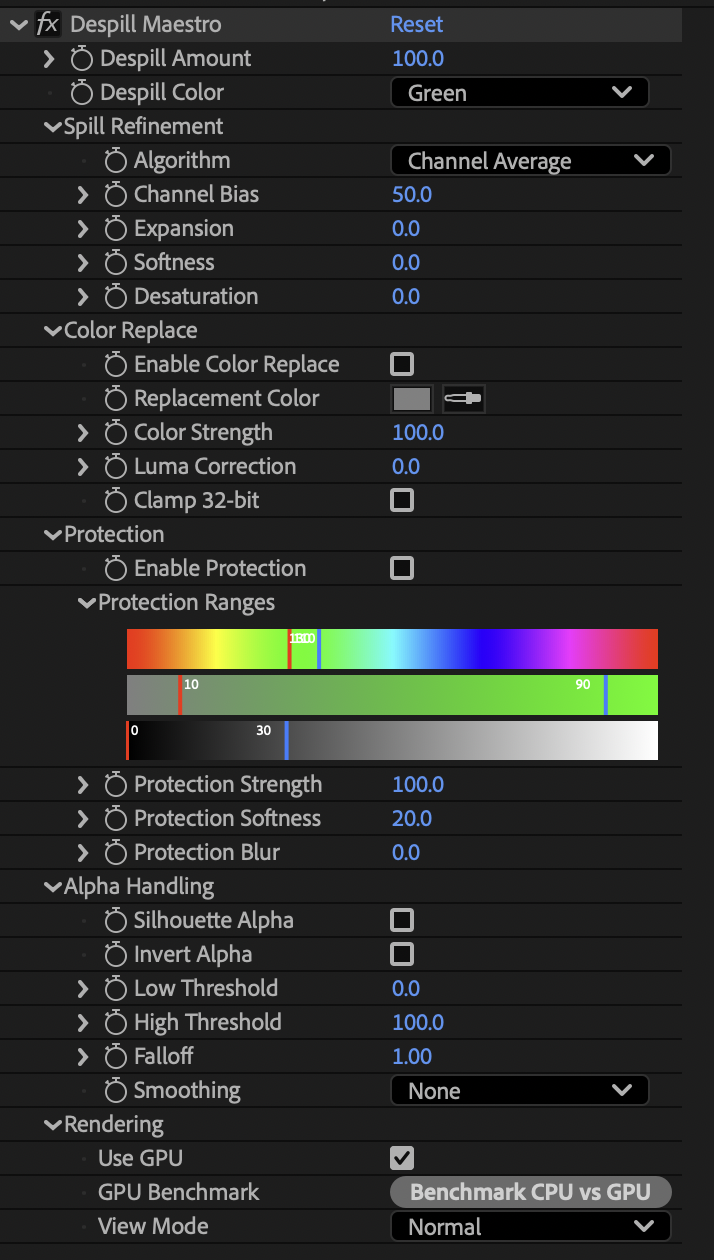
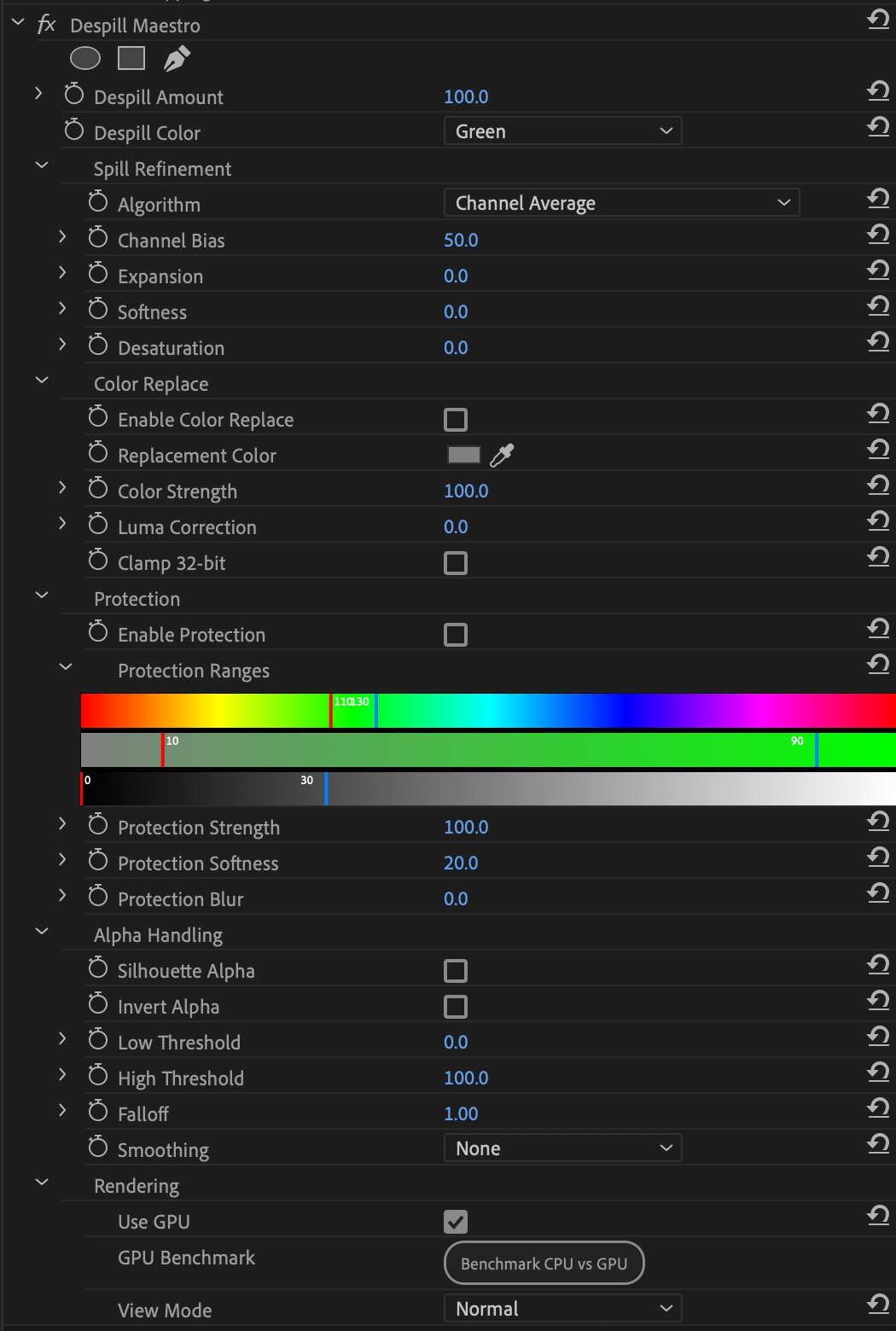
Despill Maestro is a professional spill suppression plugin for After Effects and Premiere Pro that removes unwanted color spill while protecting what matters. Preserve skin tones, wardrobe colors, and other critical elements using independent Luma, Hue, and Saturation protection ranges. Choose from 10 specialized algorithms designed for different spill scenarios, with precise controls for suppression, softness, expansion, and desaturation. Generate alpha channels directly from spill removal to isolate affected areas for targeted correction. Features GPU-accelerated processing, full 8/16/32-bit support, and preview modes for spill maps, alpha channels, and protection masks.


Advanced Algorithms w/ Unlimited Refinement
Powerful and flexible spill suppression with 10 advanced algorithms. Choose the perfect algorithm for your footage, from simple averaging to specialized skin tone preservation. Refine them with intuitive options to dial in your spill suppression for your shot.


Color Replacement
Replace removed spill with custom colors while preserving luminance. Add warmth, coolness, or any color to despilled areas with precise control over strength and intensity.



Color Protection
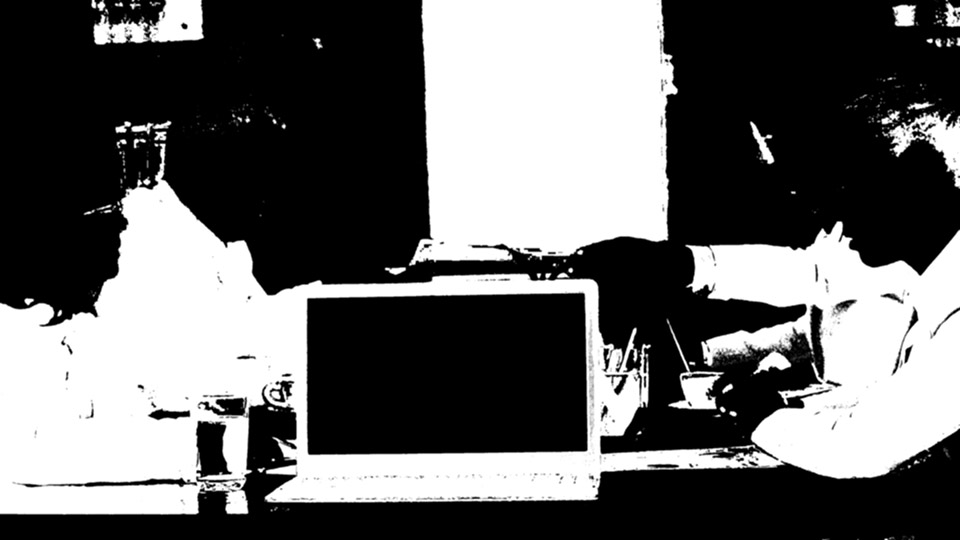
Protect specific colors similar to spill using Luma, Hue, and Saturation ranges. Keep skin tones, wardrobe colors, and other important elements untouched while removing spill.


Alpha Generation
Generate alpha channels from spill removal for precise masking and isolation. Create mattes based on spill intensity with adjustable softness and threshold controls.
After Effects
Premiere Pro